Download
Your books, on your own machine.
The Windows application keeps the books on your own computer; the Android companion reads them over your own wifi. Neither needs an internet connection to work. Neither installer is published yet — until then, Falcon online is the same application in a browser.
Meanwhile, Falcon online is the same application in your browser. It stores your books on servers in the United States.
Windows
The application itself.
One installer. It carries its own database, so there is nothing else to set up and nothing to configure before you can open a set of books.
Works with the internet unplugged
The database is on your machine. Nothing is fetched to open a screen and nothing is sent to save one.
The whole product
Every screen, every report, every voucher type. This is the application; the phone is an accessory to it.
Your books are files you own
Back them up by copying a folder. There is no export step, because there is nothing to export from.
What it needs
- Windows 10 or 11, 64-bit
- 4 GB of memory — 8 GB if you intend to run a local AI model
- 2 GB of disk, plus room for your own books
- No internet connection required to use it
Meanwhile, Falcon online is the same application in your browser. It stores your books on servers in the United States.
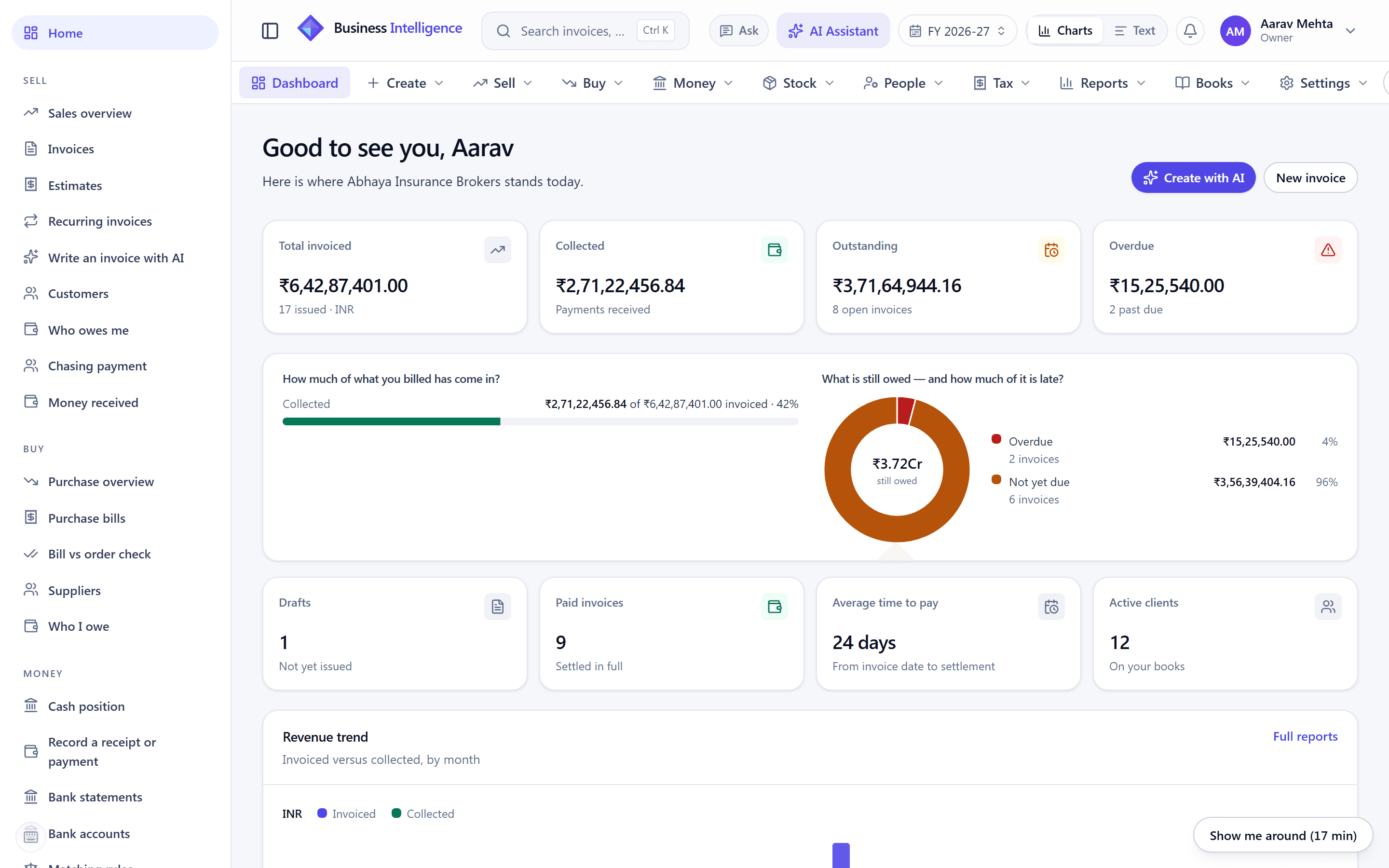
The desktop application, on real books. Every screen is at see the product.
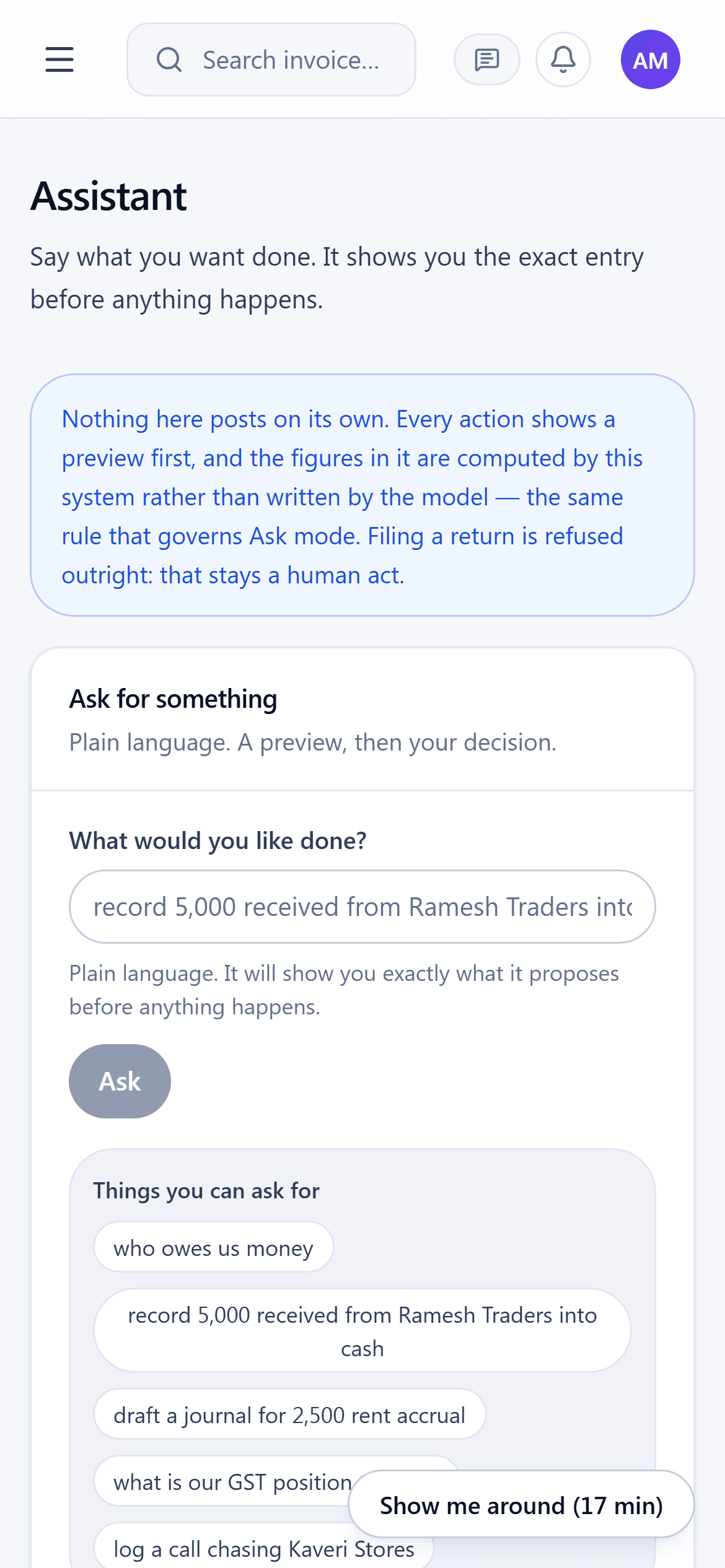
The same books at a phone width.
Android
The books in your pocket, read from your own desk.
It reads live figures from the desktop over your wifi and records money in and out straight into the same books. What it never becomes is a second copy of them — here is why that matters, and what it means when the desktop is off.
Pairs by scanning a square
The desktop shows a code, the phone reads it, and the two share a key. No account, no cloud, no sign-up.
Over your own wifi
The phone talks to the desktop directly on your network. Nothing routes through anybody else’s server.
For looking, and for recording
Balances, who owes what, today’s takings — and recording money in and out, which posts to the same books and comes back with the voucher number they gave it.
What it needs
- Android 8.0 (Oreo) or later
- On the same wifi as the desktop it pairs with
- About 40 MB of storage
Meanwhile, Falcon online is the same application in your browser. It stores your books on servers in the United States.
How the two talk
Three steps, and nothing leaves the building.
Pairing is a shared key, not an account. There is no server in the middle because there is nothing for one to do.
The desktop shows a square
In the desktop application, Phone → Connect a phone. It puts a code on screen carrying its address on your network and a one-time key, good for two minutes and for one device.
The phone reads it
Point the camera. The two derive a shared secret and prove it to each other; nothing is typed and nothing is e-mailed.
It reads the live books
Balances, receivables, today’s takings — computed on the desktop, sent over your wifi, never stored on anybody’s server.
Why the phone needs the desktop to post
The ledger admits exactly one writer, and three things enforce it: voucher numbers come from a row-locked counter, each entry is sealed with a hash that includes its number, and the audit chain keeps one head per business with the sequence inside the hash. Two machines keeping their own books produce two chains that cannot be merged afterwards.
So the phone does not keep its own. It hands the entry to the desktop, which posts it exactly as it would one typed at the keyboard, and hands back the number the books minted — which is why the phone can record a receipt at all, and why it needs the desktop switched on to finish. Anything recorded out of range waits on the phone, marked as not posted, rather than being given a number the books would later have to disagree with.
Questions
Before you install
Do I need the phone app?
Can the phone actually post to my books?
What happens if I record something with the desktop switched off?
Is there a Mac or Linux build?
Does it work without an internet connection?
What about the web version?
Try it in a browser first.
Falcon online is the same application. Create an account and try it with made-up figures — free while in preview.